95% homes in Kolkata are shifting to Saral Society Housing App..


Rated 4.9/5 by RWA Managers
Rated 4.9/5 by RWA Managers
THE GATE MODULE.
Stop managing your community on spreadsheets and WhatsApp. Streamline billing, security, and resident engagement with one powerful platform.

To The Management System for Modern Housing Societies
Rated 4.9/5 by RWA Managers
Rated 4.9/5 by RWA Managers
The Operating System for Modern Housing Societies.
Stop managing your community on spreadsheets and WhatsApp. Streamline billing, security, and resident engagement with one powerful platform.
Schedule a free demo
Trusted by




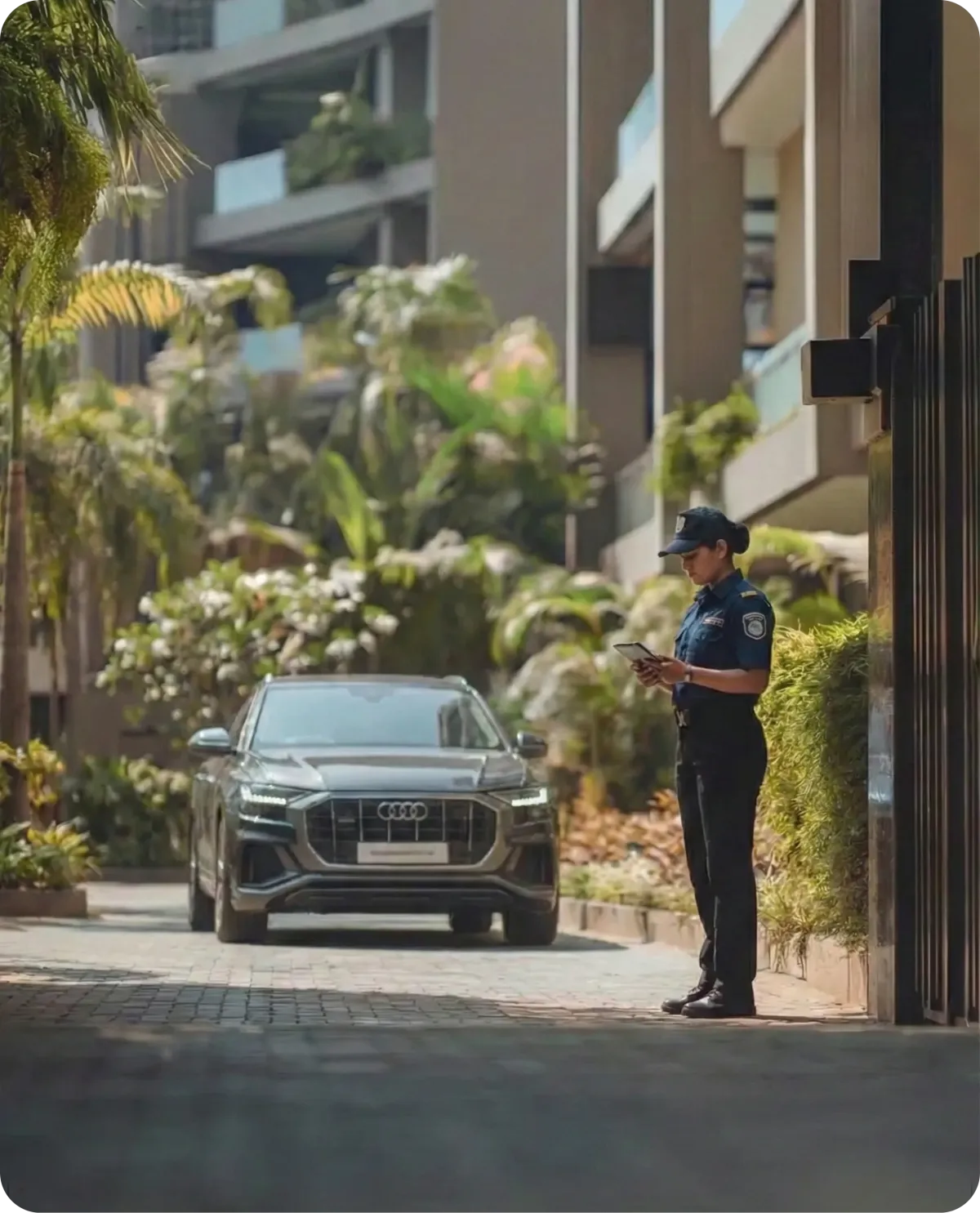
From Entry to Exit: A Seamless Circle of Security
Every journey in your community begins at the perimeter.
It’s the threshold where guests arrive, deliveries land, and daily help starts their day. The Gate Module acts as your community’s digital ledger, capturing every entry with absolute precision. By replacing messy registers with a seamless digital interface, we ensure that every visitor, staff member, and vehicle is logged without friction.
Features in focus
Get an in-depth view of why our major modules will serve your every requirement.
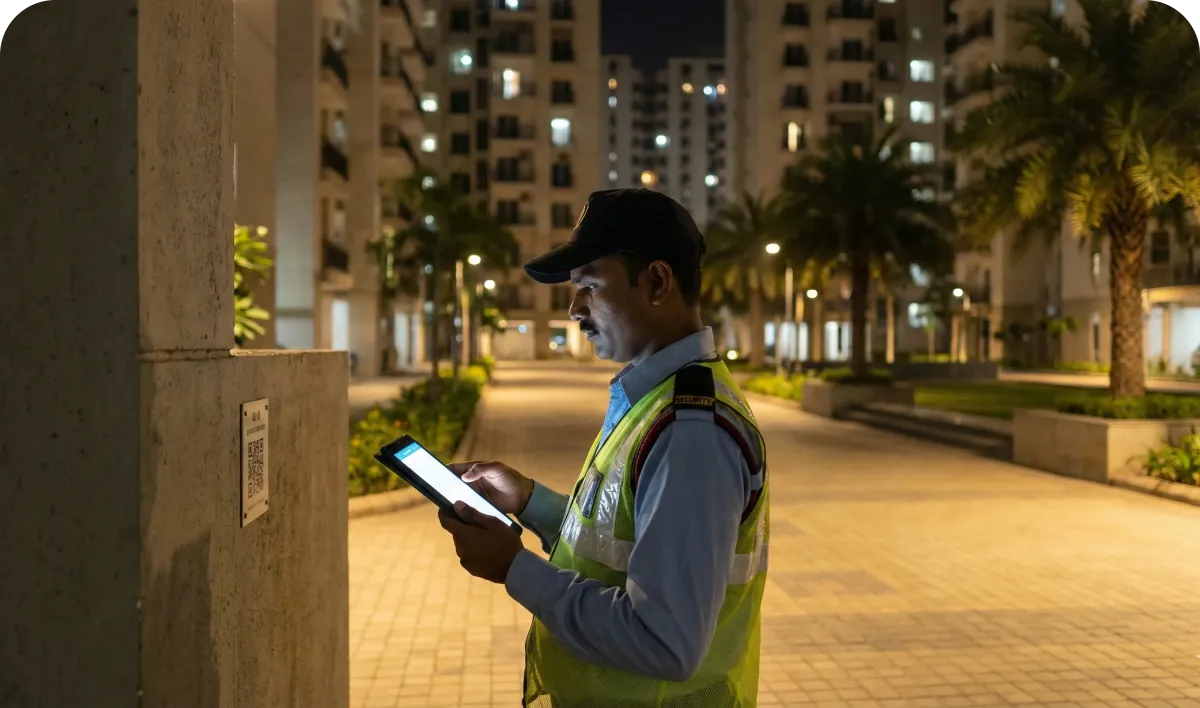
Guard Patrolling
Eliminate blind spots in your security. Digitally track guard patrols in real-time to ensure comprehensive premise coverage and accountability, replacing manual logbooks with transparent, tamper-proof data.
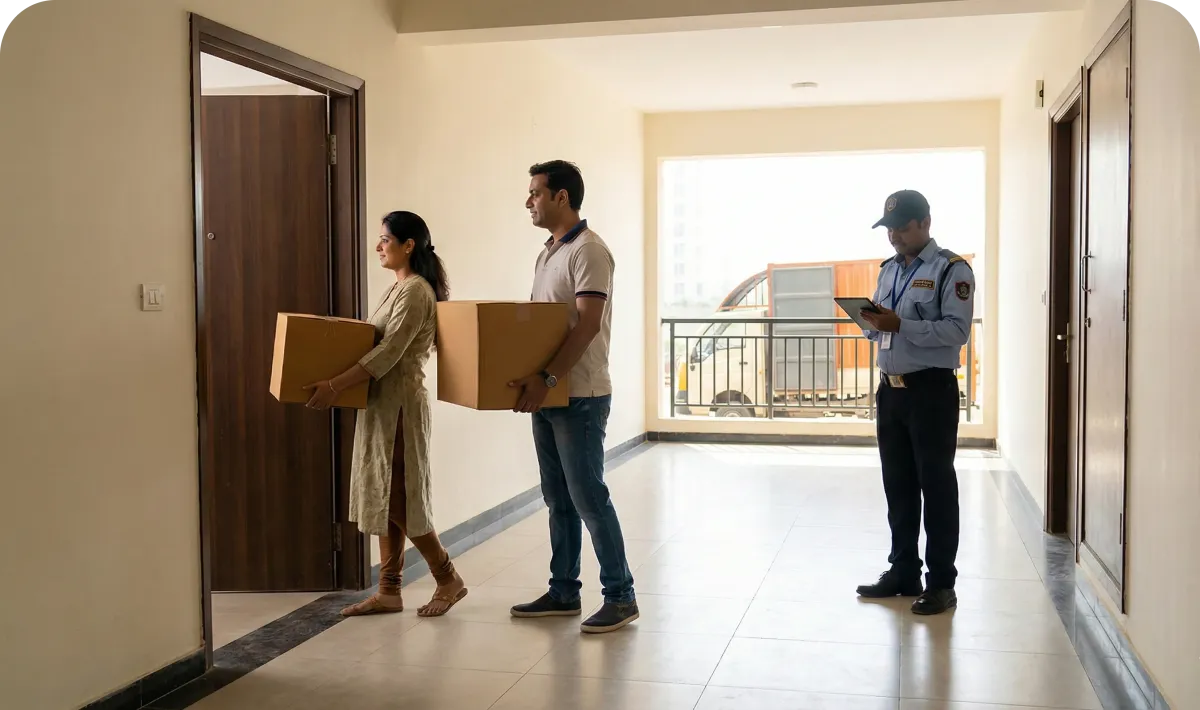
Move in Move out
Streamline the chaos of shifting days. Manage entry and exit permissions digitally, track goods movement, and ensure security protocols are met without the hassle of paperwork for residents or guards.
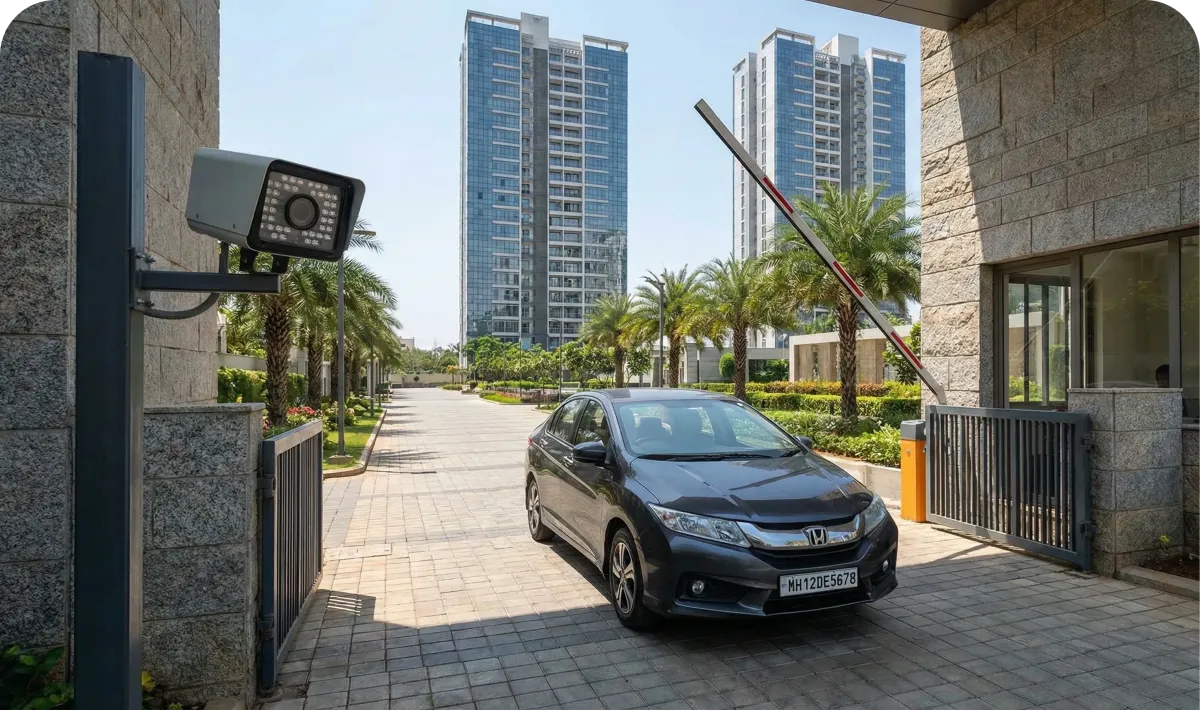
Visitor Management
Replace messy registers with a seamless digital interface. Instantly log every guest, delivery, and staff member to ensure that only authorized visitors enter your community—keeping security tight and friction low.
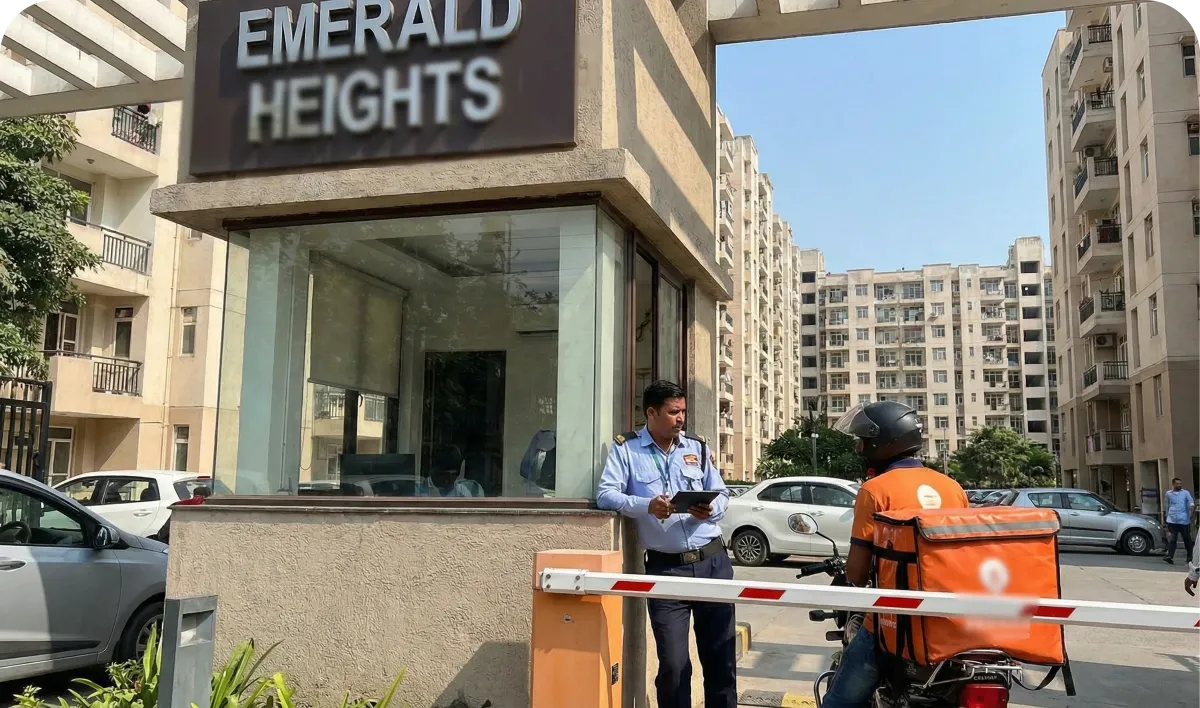
Vehicle Management
Automate your gate with advanced Boom Barrier and ANPR (License Plate Recognition) integrations. accurately track every vehicle entering or exiting the premises to reduce congestion and prevent unauthorized parking.
Experience the future of community management.
Schedule your free, custom demo today."
The Saral Society Edge
Beyond the big features, we obsess over the small details. We refine the "little things" to ensure your community runs effortlessly.
Precision Permission Management
Saral Society Housing App provides tailored access for every user type, ensuring safety without the friction.
Engineered for Scale
Saral Society Housing App effortlessly manages sprawling layouts, ensuring total control across every entry point and building.
Adaptive Logistics Management
Saral Society Housing App partners directly with top aggregators like Swiggy, Zomato, and Amazon to eliminate gate congestion and manual entries.
Adaptive Logistics Management
Saral Society Housing App consolidates critical safety tools into a single, rapid-response interface to protect your residents 24/7.
There's more, too...
Saral Society Housing App goes far beyond simple entry codes, offering a multi-layered security suite that balances safety with daily convenience.
How do I access the Saral Society Housing App platform?
You can access the Saral Society Housing App dashboard via your web browser. Once logged in, you will see your society name (e.g., Gokuldham Society) at the top left. The sidebar menu gives you quick access to everything from Bills to Complaints.
I own flats in multiple societies. How do I manage them?
You don’t need separate accounts. Look for the “Switch Society” option at the bottom of the sidebar menu. Click it to seamlessly toggle between different properties you manage.
What do I do in an emergency?
In case of an emergency, click the red “SOS EMERGENCY” button located prominently at the top right of your dashboard. This will trigger an immediate alert to the administration and security team.
How do I add family members to the portal?
Click on “Family Members” in the sidebar (or “My Family Members” on the dashboard).
1. Click the black “+ Add Family Member” button in the top right corner.
2. Enter their details (Name, Email, Phone) and save. They will appear as a card on your screen.
How can I update or remove a family member’s details?
Go to the “Family Members” section. On the card for the specific person (e.g., “ab”), you will see two buttons:
1. Click “Edit” to change their contact info.
2. Click “Delete” to remove them from the system.
What is the difference between “Owners” and “Tenants” in the menu?
The dashboard separates residents by their role.
1. Owners: View property ownership details under the “Owners” tab.
2. Tenants: If you have rented out your flat, tenant details are managed under the “Tenants” tab.
Where can I check my maintenance bills?
Click on the “Bills” dropdown in the sidebar. This section will show your current dues, payment history, and invoices.
How do I find the society’s bank information for transfers?
If you need to make a direct bank transfer, click on “Bank Details” in the sidebar. This will display the official account information for your society.
How do I raise a complaint?
Instead of calling the office, simply click on “Complaints” in the sidebar. Here you can log a new issue (e.g., plumbing, electrical), track its status, and see when it has been resolved by the admin.
Where can I find important notices from the society?
All official circulars and updates are posted under the “Announcements” tab. Check this section regularly to stay informed about society meetings, water cuts, or events.
How do I participate in society decisions?
When the committee needs resident opinions, they will create a poll. Click on “Polls” in the sidebar to view active polls and cast your vote.
How can I book facilities like the clubhouse?
Navigate to the “Amenities” section in the sidebar. You can view available amenities, check their availability slots, and make a booking request directly from the dashboard.
Ready to modernize your community?
Join 500+ societies managing their operations smarter.
Elevate Your Community Standards.
Experience the Saral Society Housing App Edge
Schedule a free demo
Ditch the spreadsheets. Bring your community together with ease.

Company
Other Products
Resources
Disclaimer
This site is not a part of the Facebook™ website or Facebook™ Inc. Additionally, This site is NOT endorsed by Facebook™ in any way. FACEBOOK™ is a trademark of FACEBOOK™, Inc. As stipulated by law, we can not and do not make any guarantees about your ability to get results or earn any money with our ideas, information, tools or strategies. We just want to help you by giving great content, direction and strategies that worked well for us and our students and that we believe can move you forward. All of our terms, privacy policies and disclaimers for this program and website can be accessed via the link above. We feel transparency is important and we hold ourselves (and you) to a high standard of integrity. Thanks for stopping by. We hope this training and content brings you a lot of value.
Funnel Design made by Cognivaa Funnels © 2024. All Rights Reserved By Pioneer Regis
Queries, [email protected]